
Free WiFi Access224.0 - Get APK
You'll be able to download in few seconds.
Publisher Description


READ FIRST!!
Please Click On An Ad every once and a while if you don't intend to upgrade!! They pay for the app and keep free versions like this available for you. Thank you.
Important Operation Information:
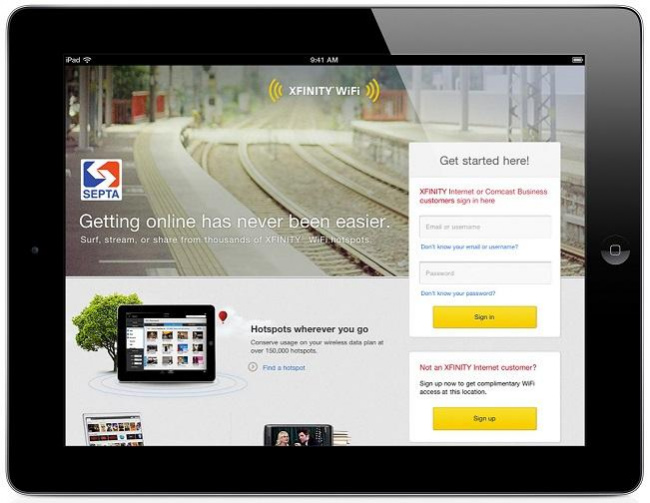
This May Not Work On Newer Operating Systems!! As They Have Stricter Security!! Always Try This Version First Before Buying Premium!! Many internet service providers provide open wifi signals for limited trial runs , as xfinity. This app extends those trials to gives you the richest online experience ever. No Root Required !! Just find and connect to the network, specifically xfinitywifi, and the app will do the rest. ATTENTION!! THIS IS A TRIAL VERSION AND WILL ONLY LAST FOR A FEW DAYS!! If you like it, please upgrade to premium which is named 'Unlimited WiFi Trials.' Thank You.
Trouble Shooting Connecting
1) Refresh Wifi - Turn it off then back on
2) Search for a Stronger Signal - Move around in search of a stronger signal
3) Weather Conditions - Stormy weather may interfere with connecting. Wait for better conditions
4) Please Give app all Permissions to ensure complete operation.
5) Please ensure your clock is right. You will not be given acces to the login page if xfinity suspects your clock has been tappered with.
About Free WiFi Access
The company that develops Free WiFi Access is Cyber Gatekeeper 2000. The latest version released by its developer is 224.0.
To install Free WiFi Access on your Android device, just click the green Continue To App button above to start the installation process. The app is listed on our website since 2020-03-05 and was downloaded 0 times. We have already checked if the download link is safe, however for your own protection we recommend that you scan the downloaded app with your antivirus. Your antivirus may detect the Free WiFi Access as malware as malware if the download link to com.wifiaccess.connect is broken.
How to install Free WiFi Access on your Android device:
- Click on the Continue To App button on our website. This will redirect you to Google Play.
- Once the Free WiFi Access is shown in the Google Play listing of your Android device, you can start its download and installation. Tap on the Install button located below the search bar and to the right of the app icon.
- A pop-up window with the permissions required by Free WiFi Access will be shown. Click on Accept to continue the process.
- Free WiFi Access will be downloaded onto your device, displaying a progress. Once the download completes, the installation will start and you'll get a notification after the installation is finished.
Program Details
System requirements
Download information
Pricing
Version History
version 224.0
posted on 2020-03-05
Disclaimer
External Download
We do not host Free WiFi Access on our servers. We did not scan it for viruses, adware, spyware or other type of malware. This app is hosted by Galad and passed their terms and conditions to be listed there. We recommend caution when installing it.
The APK Download link for Free WiFi Access is provided to you by apps112.com without any warranties, representations or guarantees of any kind, so access it at your own risk.
If you have questions regarding this particular app contact the publisher directly. For questions about the functionalities of apps112.com contact us.
